Visual inspection
Flag visible defects or conditions for review.
Computer Vision
We build image-based workflows to detect objects, inspect visible conditions and flag uncertain results for review.
Discuss your visual workflow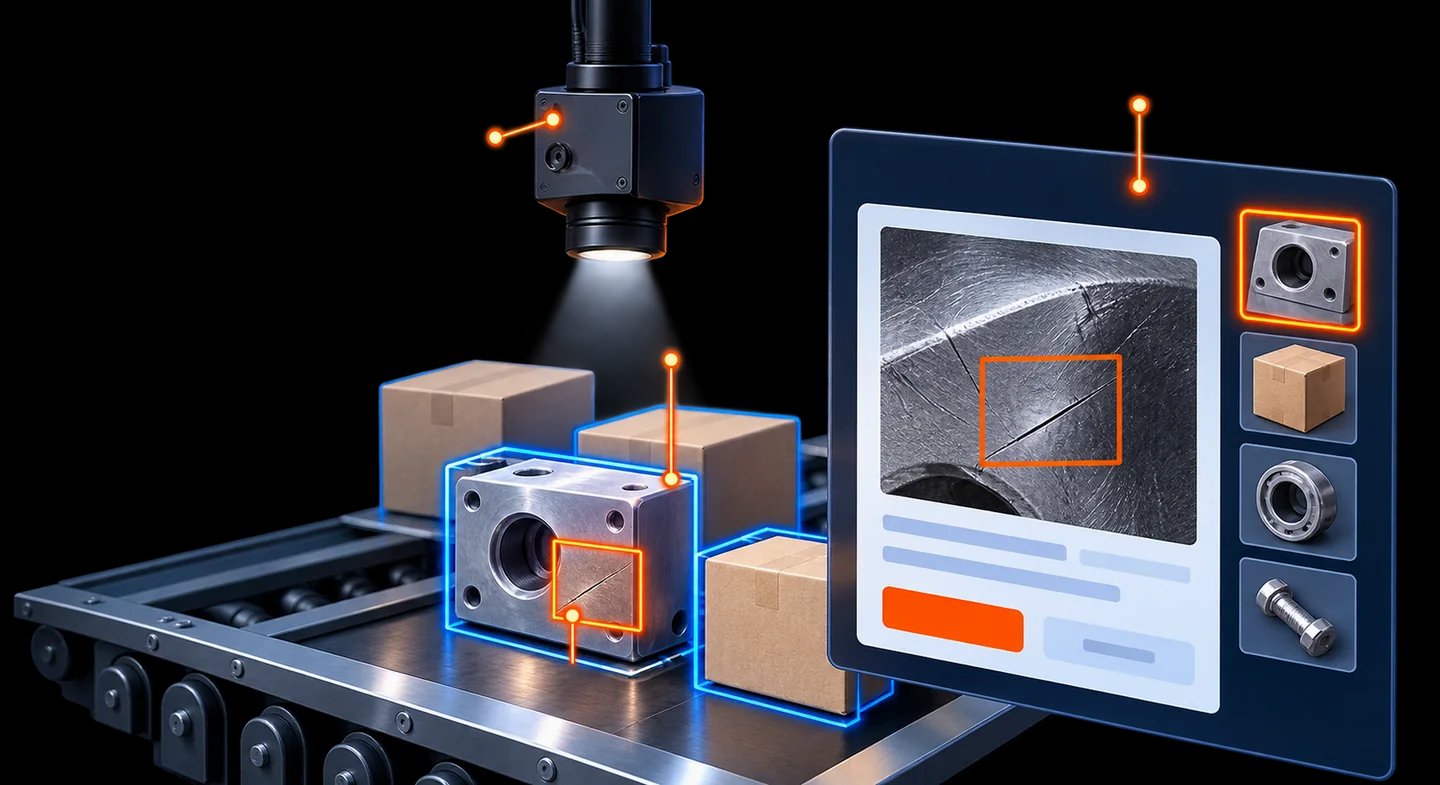
Key capabilities
Start with a defined object, visible condition or category your team needs to assess.
Flag visible defects or conditions for review.
Locate and count defined objects in images.
Organise images using agreed categories.
Route findings to people and supported systems.
A workflow we can build
Keep uncertain findings visible and review them before the agreed next action.
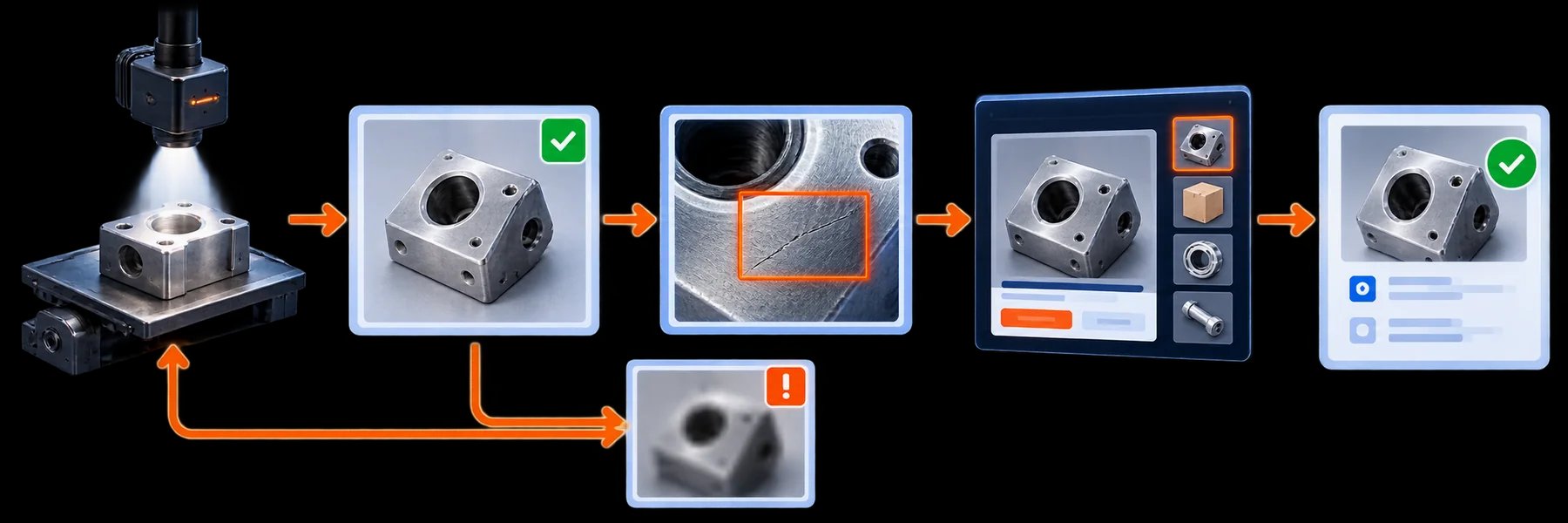
Poor or unclear image? Request a better capture before continuing. A person confirms the agreed next step.
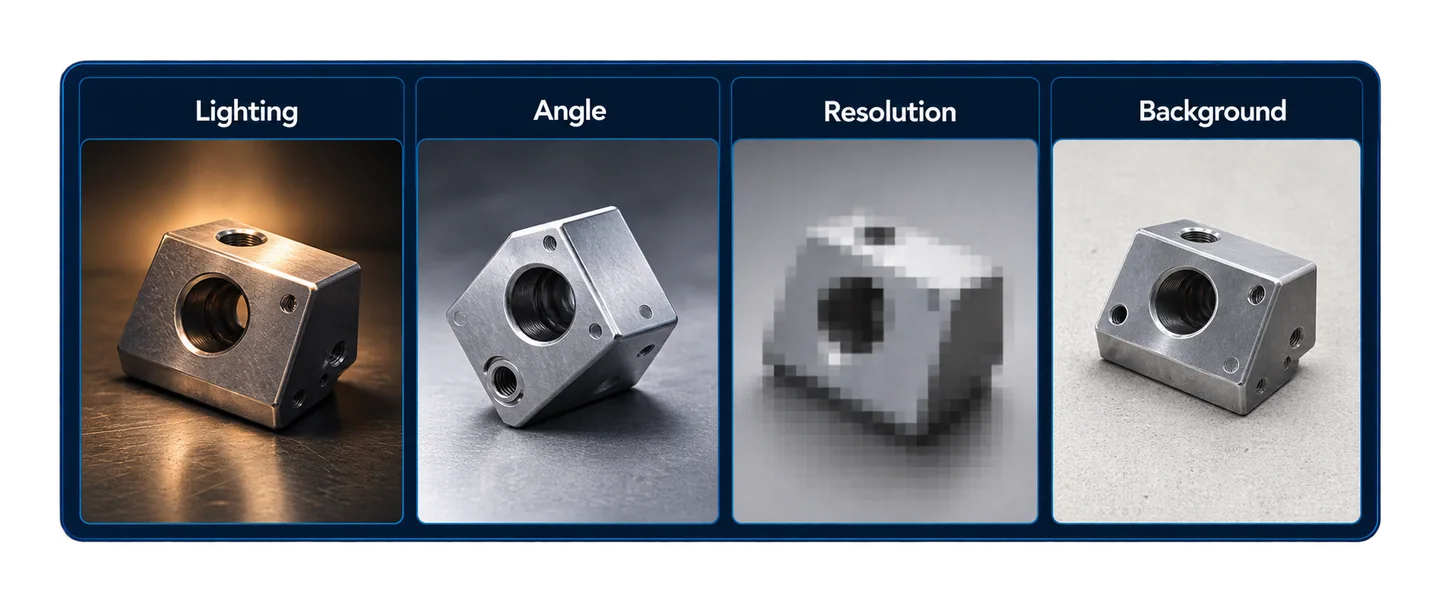
Lighting, camera angle, resolution and background all shape what the system can assess.
Include normal cases, difficult conditions and known failures.
Assess false positives and missed findings against useful criteria.
Define what needs review before action.
Agree image access, retention and on-premises or managed-cloud processing.
Delivery
Define objects, conditions and decisions.
Review representative images and capture conditions.
Evaluate difficult cases and review paths.
Connect supported systems and watch for changes.
Start with a useful scope and agreed success measures. Test before expanding.
We assess image quality, positioning and available connections.
Performance depends on examples and conditions. We evaluate limitations and review needs.
Yes. Review steps and permitted actions are defined with you.
That depends on the task and capture conditions; we assess this first.
Tell us what you capture and which findings matter to your team.
Discuss your visual workflow